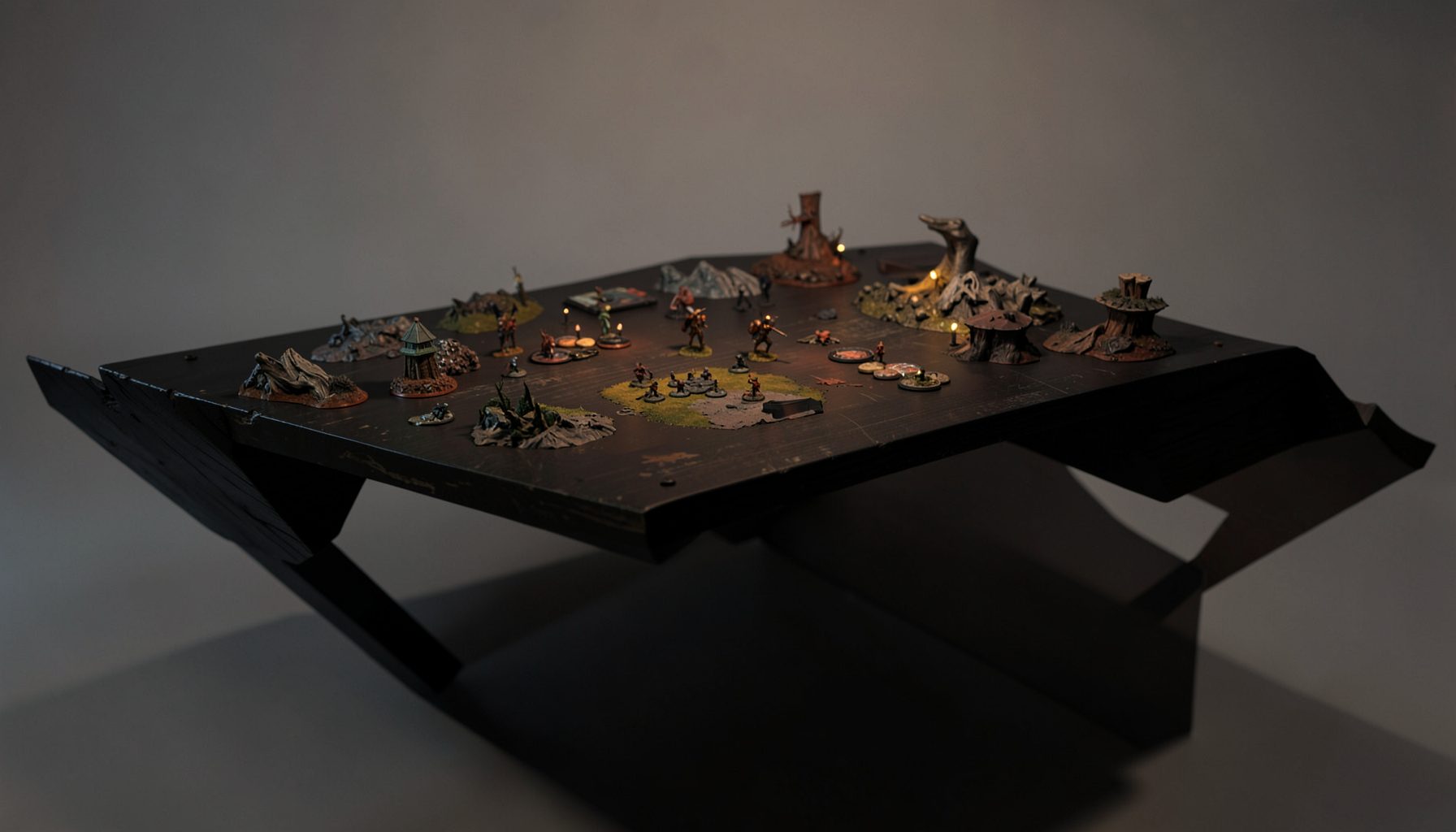
Live-streamed games, recorded matches, and event data gathered in one place.
Kill Team Stream hosts quality live streaming of Kill Team content — tournaments throughout the year on Twitch, regular games streamed to the channel, and tournament data gathered so players can see what's happening in the scene. Powered by WARHAMMER.
Browse tournamentsOfferings
Tournaments
Multiple Kill Team tournaments hosted throughout the year, all live-streamed on our Twitch channel.
Videos
Streams are recorded and uploaded to YouTube alongside original video content we produce.
Event Data
Tournament packets from past events plus resources for upcoming Kill Team tournaments.
Site Directory
How to Build a Kill Team Community Discord Server
A well-run Discord server can become the social hub of a local Kill Team scene, connecting players between tournaments, campaign nights, streamed matches, and casual games. It gives members a dependable place to find opponents, discuss rules, share rosters, and keep up with events without relying on scattered group chats.
The best servers feel active without becoming noisy. New players should be able to understand where to start, while experienced competitors need useful channels for strategy, event logistics, and list discussion. Good organization makes that balance possible.
A community Discord also extends the value of tournament coverage. Match recordings, standings, event packets, and tactical discussions can all lead to productive conversations after the final round. With the right structure, your server can support both entertainment and serious improvement.
Define The Community’s Purpose
Start by deciding what the server is meant to accomplish. A local group may focus on finding games and organizing weekly meetups, while a regional or online community might center on tournament preparation, competitive analysis, and event coverage. The purpose should be broad enough to support growth but specific enough to guide moderation.
Write a short server description that explains who belongs there and what they can expect. For example, a community might welcome new and experienced Kill Team players, provide spaces for match scheduling and rules discussion, and promote tournaments, streams, and hobby activities. This statement can appear in the welcome channel and server discovery information.
Consider the geographic range as well. A city-based group benefits from channels for store events, transportation, and venue updates. A larger competitive server may need regional roles, time-zone tags, and online game coordination. Clear scope prevents members from wondering whether a post belongs in the community.
Create A Simple Channel Structure
Avoid creating dozens of channels before the server has members. Empty spaces make a community appear inactive and force users to guess where conversations belong. Begin with a compact structure that covers announcements, conversation, games, hobby content, and competitive play.
A practical layout might include an information category with rules, announcements, event calendar, and introductions. A gameplay category could contain find-a-game, rules-help, roster-review, tactics, and battle reports. A hobby category may include painting, terrain, photography, and project logs. Tournament channels can be added when the group begins running regular events.
Use channel topics and pinned messages to explain each space. A “find-a-game” channel should tell users what details to include, such as date, location, format, and faction. A “roster-review” channel can ask members to post their operative selection, equipment, mission approach, and concerns. Small instructions improve the quality of discussion immediately.
Keep important information easy to locate. Server rules, event policies, escalation procedures, and tournament packets should not be buried beneath casual conversation. Discord forums, pinned posts, and links to organized documents can help preserve useful information as the server becomes busier.
Set Roles, Permissions, And Access
Roles should make the server easier to navigate rather than create a complicated hierarchy. Useful options include Administrator, Moderator, Tournament Organizer, Event Judge, Content Creator, Coach, and Member. You can also add faction roles or regional tags if they help users find relevant conversations.
Avoid giving broad administrative permissions to every volunteer. Moderators may need to manage messages, mute members, and handle reports without having access to server settings. Tournament organizers may manage event channels while remaining separate from general moderation. Limiting permissions reduces the damage caused by mistakes or compromised accounts.
A self-assignable role system can help members identify their interests. Players might select casual, competitive, narrative, painting, or terrain roles, along with preferred factions and local areas. Keep these optional and avoid requiring users to select a long list before they can participate.
New members should enter with limited access to reduce spam and raid risks. A short verification step, rules acknowledgment, or account-age requirement can protect the community. Once a member has completed the welcome process, access can expand automatically or through moderator approval.
| Server Approach | Best For | Advantages | Potential Drawback |
|---|---|---|---|
| Local Club Hub | Store groups and city communities | Easy game scheduling and event coordination | Smaller reach and fewer daily conversations |
| Competitive Community | Tournament players and coaches | Strong roster analysis and strategic discussion | Can feel intimidating to beginners |
| Learning-Focused Server | New players and developing competitors | Clear education, mentoring, and rules support | Requires active teaching and moderation |
| Media And Stream Community | Match viewers, creators, and event organizers | Connects broadcasts with discussion and replay analysis | Activity may peak around scheduled events |
| Open Regional Server | Players across several areas | Broad membership and varied perspectives | More complex time zones and event planning |
Build A Welcoming Onboarding Experience
The first few minutes determine whether a new member feels comfortable participating. A welcome channel should explain the server’s purpose, community standards, and first actions. Direct people toward introductions, current events, game-finding tools, and beginner resources instead of presenting a wall of rules.
An effective introduction prompt can ask for a preferred name, location or time zone, experience level, favorite faction, and interests. It should remain optional and avoid collecting personal information that the community does not need. Friendly replies from established members are more valuable than an elaborate automated greeting.
Create a beginner path through the server. Pin links to core rules references, faction overviews, roster-building guides, battle reports, and recorded tournament matches. A player who has just discovered the game should be able to find help without interrupting a high-level tactical discussion.
Mentoring works best when expectations are clear. If experienced members offer coaching, explain whether games are casual, competitive, or educational. Encourage coaches to discuss decisions respectfully and avoid treating mistakes as entertainment. A positive learning environment increases retention and eventually develops stronger tournament players.
Support Games And Tournament Activity
A server becomes valuable when it helps members play more often. The find-a-game channel should support both in-person and online matches, with templates that make scheduling efficient. A post can include the proposed date, time zone, venue or platform, mission pack, team size, and whether the game is casual or practice for an event.
For recurring events, create a consistent event workflow. Announce the date, publish the packet, explain registration, share terrain or mission information, and post results afterward. Temporary event channels can keep tournament logistics separate from everyday conversation, while a permanent archive can preserve standings and notable reports.
Tournament organizers should have a dedicated area for questions and rulings. Judges can clarify interpretations publicly so the same answer is available to everyone. If an issue is uncertain, label it as provisional until the organizer confirms the final decision. This habit prevents conflicting private answers.
Connect the server to the wider Kill Team media ecosystem. A streamed event can have a watch-party channel, live round discussion, and post-match analysis. Recordings from Twitch or YouTube can be paired with questions about deployment, operative activation, mission choices, and turning points. This transforms passive viewing into useful community learning.
Establish Healthy Moderation
Written rules should cover harassment, discriminatory language, spam, unsolicited advertising, cheating accusations, personal attacks, and disruptive behavior during events. Keep the policy readable and explain the standard expected from members. Competitive disagreement is normal, but criticism should address decisions and evidence rather than a person’s intelligence or character.
Create a private moderator channel for reports, incident notes, and decisions. Moderators should agree on basic procedures for warnings, temporary mutes, removals, and bans. Consistency matters more than severity: members are more likely to trust a team that applies clear standards evenly.
Protect competitive integrity by separating discussion from confidential event information. Tournament staff should avoid sharing private pairings, unreleased rulings, or player data in public channels. If the server hosts leagues or events, publish how disputes are submitted and who has final authority.
Moderation should also protect the server from becoming exhausting. Use slow mode during heated debates, limit repeated promotional posts, and archive channels after an event ends. A calm, organized server is easier for volunteers to maintain than one that depends on constant intervention.
Keep The Community Active And Useful
Activity should come from meaningful reasons to return, not from forcing members to post. Weekly prompts can invite roster breakdowns, painting updates, terrain showcases, mission reviews, or predictions for an upcoming tournament. A recurring “game night” announcement is often more effective than a dozen unused channels.
Share community achievements. Highlight a well-painted team, a thoughtful battle report, a first tournament appearance, or a player who helped teach a beginner. Recognition encourages participation without turning the server into a leaderboard. It also gives newer members examples of the behavior the community values.
Use polls and feedback threads when making major changes. Members may prefer fewer channels, different event times, or clearer role labels. Publicly explaining decisions builds trust, especially when the server has multiple organizers with different priorities.
Review the server every few months. Archive channels that never gained traction, update outdated rules links, check role permissions, and refresh welcome messages. Track practical signals such as successful game pairings, event attendance, helpful answers, and returning members. These indicators reveal whether the Discord server is serving the community rather than simply accumulating messages.
Launch With A Focused Community Plan
- Define the server’s audience, geographic reach, and main purpose before adding channels.
- Begin with essential categories for information, conversation, games, hobby activity, and events.
- Use limited permissions, clear moderation procedures, and a short verification process.
- Provide beginner resources alongside competitive spaces so every experience level has a place.
- Schedule recurring game nights, discussion prompts, and tournament-related activities to create dependable reasons to return.
A Kill Team Discord server succeeds when its structure supports real relationships and real games. Give members an easy way to introduce themselves, find opponents, learn from recorded matches, prepare for tournaments, and celebrate their progress. Link event coverage, standings, photos, and packets where they can be found without confusion, then let conversation grow around those shared resources.
Launch with a small group of reliable members, schedule an initial game night, and publish one useful discussion prompt each week. Invite organizers, stream viewers, hobbyists, and competitive players to shape the space together. With consistent care and clear standards, your server can become the home base that keeps the Kill Team community playing between every event.
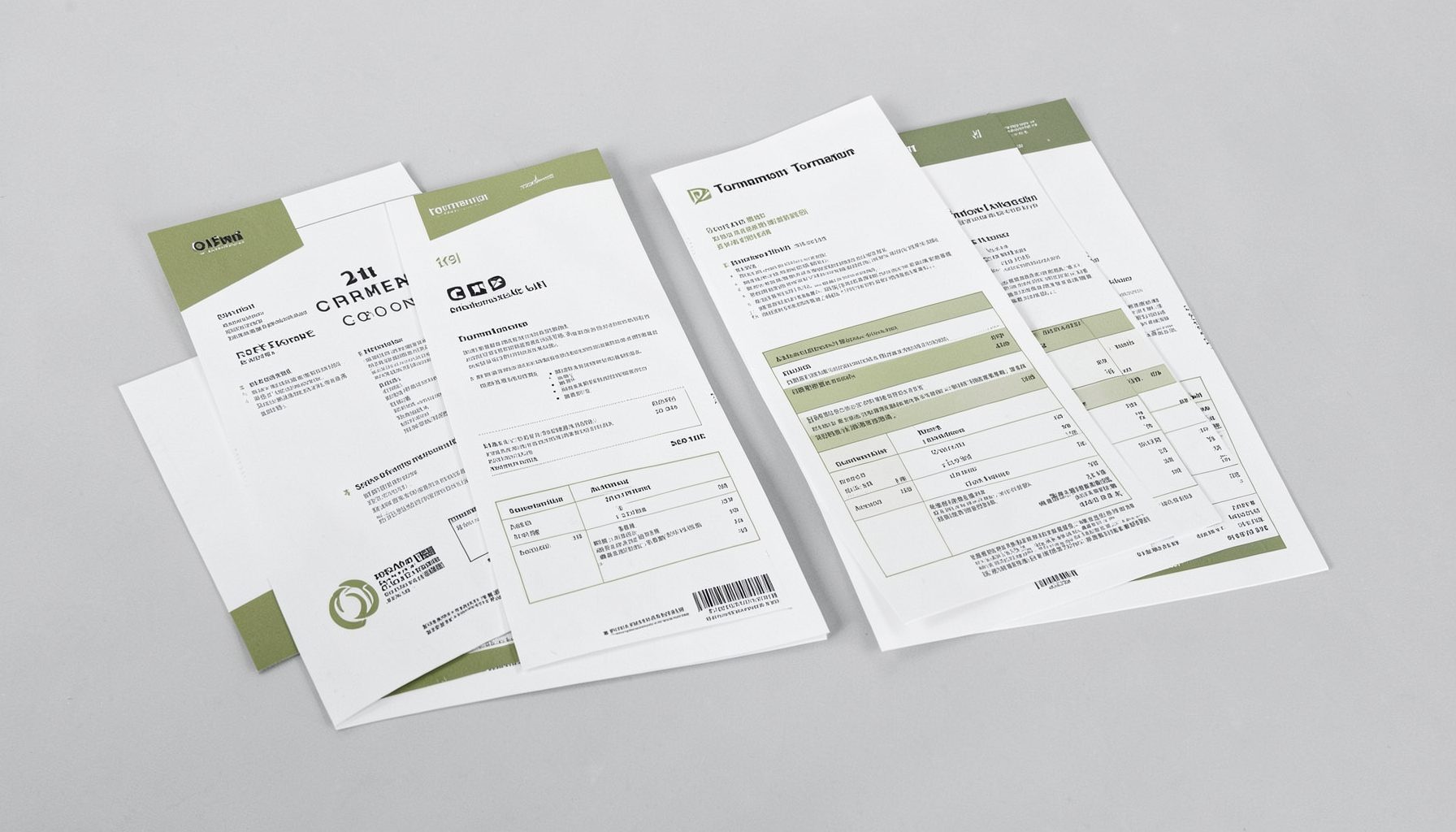
Tournament Packets
Packets from previous Kill Team events are kept here alongside new packets for upcoming tournaments, so organizers and players have what they need in one place.
View Event Data