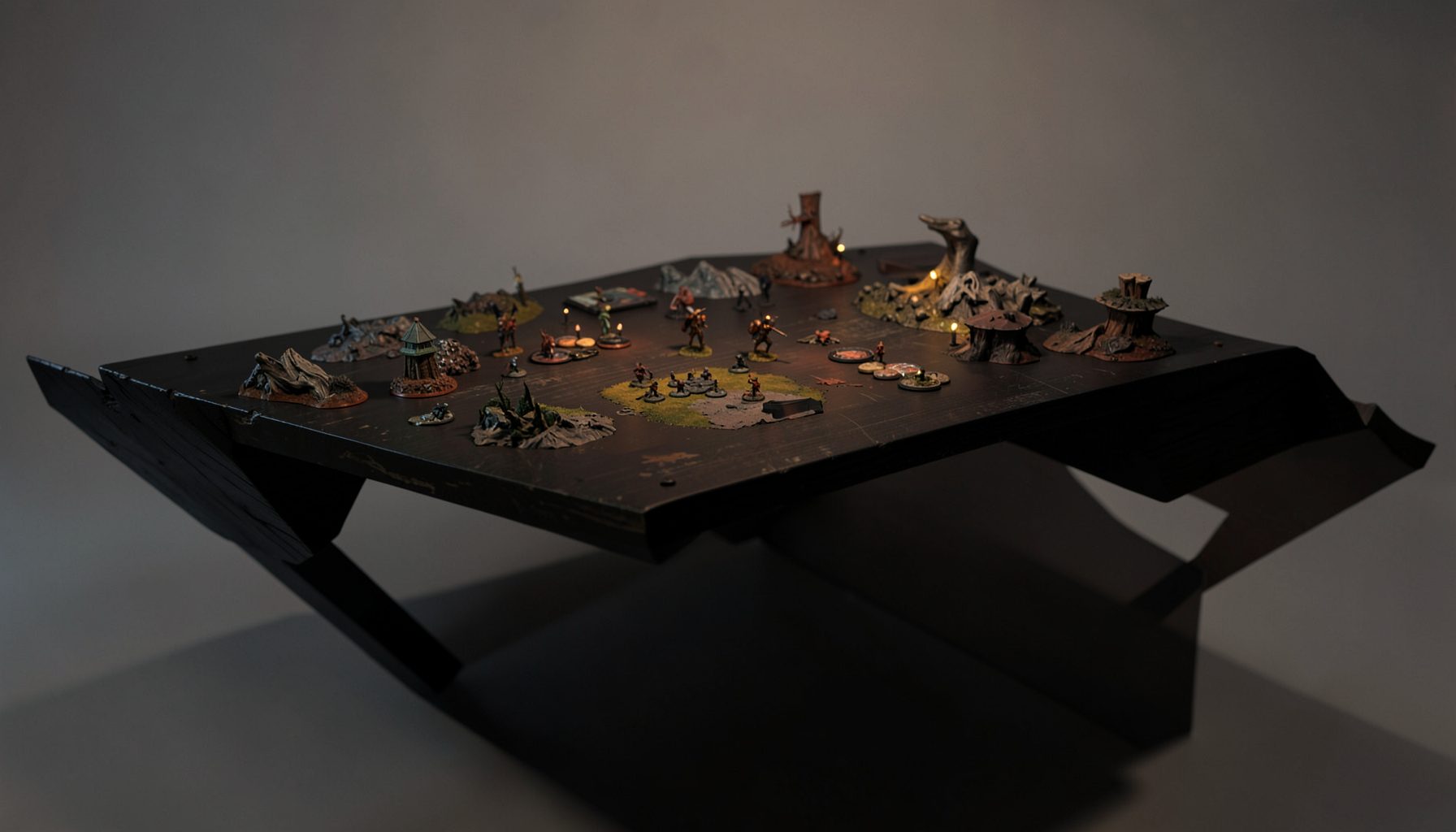
Live-streamed games, recorded matches, and event data gathered in one place.
Kill Team Stream hosts quality live streaming of Kill Team content — tournaments throughout the year on Twitch, regular games streamed to the channel, and tournament data gathered so players can see what's happening in the scene. Powered by WARHAMMER.
Browse tournamentsOfferings
Tournaments
Multiple Kill Team tournaments hosted throughout the year, all live-streamed on our Twitch channel.
Videos
Streams are recorded and uploaded to YouTube alongside original video content we produce.
Event Data
Tournament packets from past events plus resources for upcoming Kill Team tournaments.
Site Directory
Film and Stream Your Kill Team Games for YouTube
A well-made Kill Team video does more than point a camera at a gaming table. It gives viewers a clear view of the action, lets them follow decisions as they happen, and creates a record that players can study after the match. With a modest setup and a repeatable workflow, a local club night can become useful tournament coverage.
The best starting point is consistency rather than expensive equipment. Viewers will forgive a basic camera if the board is visible, the audio is understandable, and the presenter explains what matters. They are less likely to stay when models disappear beneath glare, dice rolls happen off-screen, or commentary cannot be heard over a crowded venue.
Australia presents a few practical considerations. A tournament in Melbourne, Brisbane, Sydney, Perth or Adelaide may take place in a community hall with mixed lighting, limited power outlets and unreliable mobile reception. NBN upload speeds vary between locations, while a venue’s Wi-Fi may be shared by dozens of players. Planning for those conditions makes a stream much more dependable.
A strong production also respects the people involved. Ask the organiser before recording, tell players where the camera will be positioned, and avoid capturing private conversations or personal information. Once the technical side is under control, your coverage can serve both entertainment and education, giving new players a friendly way to understand the game and experienced competitors a useful record of the meta.
Plan the match before pressing record
Start with the venue and event organiser. Confirm whether filming is allowed, where tripods can stand, whether power is available, and whether the venue has rules about commercial recording. In Australia, the Privacy Act 1988 does not apply to every individual filming a hobby event, but privacy expectations still matter, and state and territory laws can affect recordings of private conversations. Written consent is the safest approach, especially when players, spectators or children may appear on camera.
Create a simple shot plan for every game. A single overhead camera can show the entire Kill Team board, but a second camera pointed at the presenters or a close-up angle can make the video feel more alive. If you only have one device, keep it fixed and use commentary to direct attention. Do not move a camera over the table during a turning point or block players as they measure and move.
Record the event details before the first turning point: player names, faction names, mission, map, round, terrain layout and event name. A slate, whiteboard or short spoken introduction can provide this information. It also helps YouTube viewers who discover the video weeks later through search rather than watching a live broadcast.
Decide whether you are producing a live stream, a complete recording, or both. A live game needs stable upload bandwidth, moderation and an emergency plan. A recorded game allows you to cut long pauses, remove technical failures and add explanations. Many Australian clubs begin by recording locally, then upload a polished match to YouTube before attempting a full Twitch broadcast.
Choose a camera and table layout
The camera must show the whole play area without making the miniatures look tiny. A modern phone can produce excellent footage at 1080p, particularly when mounted directly above or at a high diagonal angle. A mirrorless camera or camcorder offers better low-light performance, but it introduces extra costs for lenses, capture hardware, batteries and storage.
For an overhead view, use a sturdy boom arm, ceiling mount or tall tripod placed outside the players’ movement zones. Test the mount by gently tapping the table before the event. If the picture shakes whenever someone rolls dice, move the support to the floor or add a weighted base. Never suspend a heavy camera above an expensive board using improvised furniture.
Frame the board with a small amount of surrounding table visible. This gives viewers context while leaving space for dice, tokens and measuring tools. Lock focus and exposure if your camera allows it; otherwise, a bright mat or a player’s hand can cause the image to pulse. Disable notifications, automatic calls and screen locks on phones used as cameras.
Lighting deserves as much attention as resolution. Overhead fluorescent tubes can create harsh reflections on varnished terrain, while warm venue lights can distort faction colours. Two inexpensive LED panels placed on opposite sides of the table usually produce a better result than one powerful lamp. In Sydney or Brisbane venues, hot weather can also make lights and cameras overheat, so leave ventilation around every device.
Capture clear sound and useful commentary
Viewers can tolerate a slightly soft image, but poor audio quickly makes a match difficult to follow. A camera several metres from the table will record room noise rather than rules explanations. Use clip-on microphones for commentators or a small audio recorder near the players, keeping cables taped down so nobody trips.
If players are speaking during the game, explain the recording arrangement before deployment. Some competitors will naturally narrate their plans, while others prefer to concentrate. Never pressure someone to reveal hidden information or strategic intentions they would normally keep private. A commentator can fill quiet moments by explaining the mission, the threat range and the significance of a decision after it has been made.
Use separate commentary when possible. A live presenter can describe what is visible on the table, but an after-the-fact voiceover gives you time to check rules and avoid confusing speculation. Keep terminology consistent, pronounce faction names clearly, and identify turning points: a failed save, a critical objective action or a trade that changes the scoring race.
A useful reference point for presenters is the event’s scoring framework. Before recording a tournament feature, review the scoring system breakdown so commentary distinguishes victory points, round results and any event-specific standings. This prevents a common error in competitive coverage: treating a dramatic kill as more important than the objective points that actually decide the game.
Configure a reliable YouTube or Twitch workflow
For a live broadcast, OBS Studio is a practical starting point. Add the camera as a video capture source, the microphone as an audio input, and a simple overlay for player names, factions and round information. Keep graphics small enough that they do not cover objectives, operative datacards or dice rolls. A clean scene with readable text looks more professional than a crowded design full of logos.
Test your upload speed from the exact venue and at the same time of day as the event. A public hall in regional New South Wales may have a very different connection from a home studio in inner Melbourne. Aim for stable headroom rather than streaming at the highest possible bitrate. If venue internet is uncertain, record locally and use a phone hotspot only as a backup; mobile data can become expensive when several hours of video are transmitted.
Set the stream to 1080p only when the connection and computer can sustain it. Otherwise, 720p with clear audio is preferable to a high-resolution stream that buffers or disconnects. Record a local copy in OBS even during a live broadcast. If Twitch drops frames or YouTube experiences a fault, the local file can later become the finished match video.
Prepare an emergency scene. It might show the event logo, a short message and the next scheduled game while you restart a camera or reconnect the network. Assign one person to monitor chat and technical status instead of asking the commentator to do everything. Moderation is especially important when matches attract strong opinions about rules, misplays or faction balance.
Keep music and visual assets legally safe. Commercial songs can trigger Content ID claims or muted sections on YouTube, and a venue’s background music may still be captured by your microphones. Use licensed tracks, royalty-free audio or no music at all. Obtain permission for club logos, artwork and event branding, and remember that filming a miniature range does not automatically give you permission to reproduce every manufacturer image in promotional graphics.
Edit matches for learning and discovery
Long-form match videos benefit from structure. Open with the event, players, factions and mission, then move quickly to deployment. Add chapter markers for each turning point, turning point or turning point? Avoid repeating the same label mechanically; instead, mark deployment, first objective exchange, pivotal firefight and final score. Remove dead air, camera adjustments and conversations unrelated to the match while keeping enough context for viewers to understand why a choice mattered.
Use on-screen labels sparingly. An arrow can identify an operative or objective, while a brief caption can explain a rule interaction. Do not cover the table with animated graphics. If you correct a mistake during editing, add a clear note in the video or description rather than silently changing the commentary. Accuracy builds trust with competitive players who may use the recording for study.
Titles and thumbnails should describe the actual match. Include the factions, event or city, mission when relevant, and the result if spoilers are acceptable for your audience. A thumbnail showing the full table is often less effective than a well-lit crop of the key confrontation with readable faction names. In Australia, location terms such as “Melbourne tournament” or “Brisbane Kill Team event” can help local viewers find nearby coverage without pretending the video is an official Games Workshop production.
Publish the full game alongside shorter educational extracts. A five-minute clip about objective timing, terrain use or a risky charge can introduce new viewers to the longer recording. Add timestamps, player handles, event links and a rules disclaimer in the description. State whether the game was streamed live, edited from local footage or recorded under tournament conditions.
Finally, preserve the original files and event information. Keep the high-quality recording, project files, thumbnail, result sheet and consent records in organised folders. Tournament results and standings can change how viewers interpret a game months later, so include the date and event format. Over time, this archive becomes more valuable than any single broadcast: it shows how Australian players approach missions, terrain and faction choices across a season.
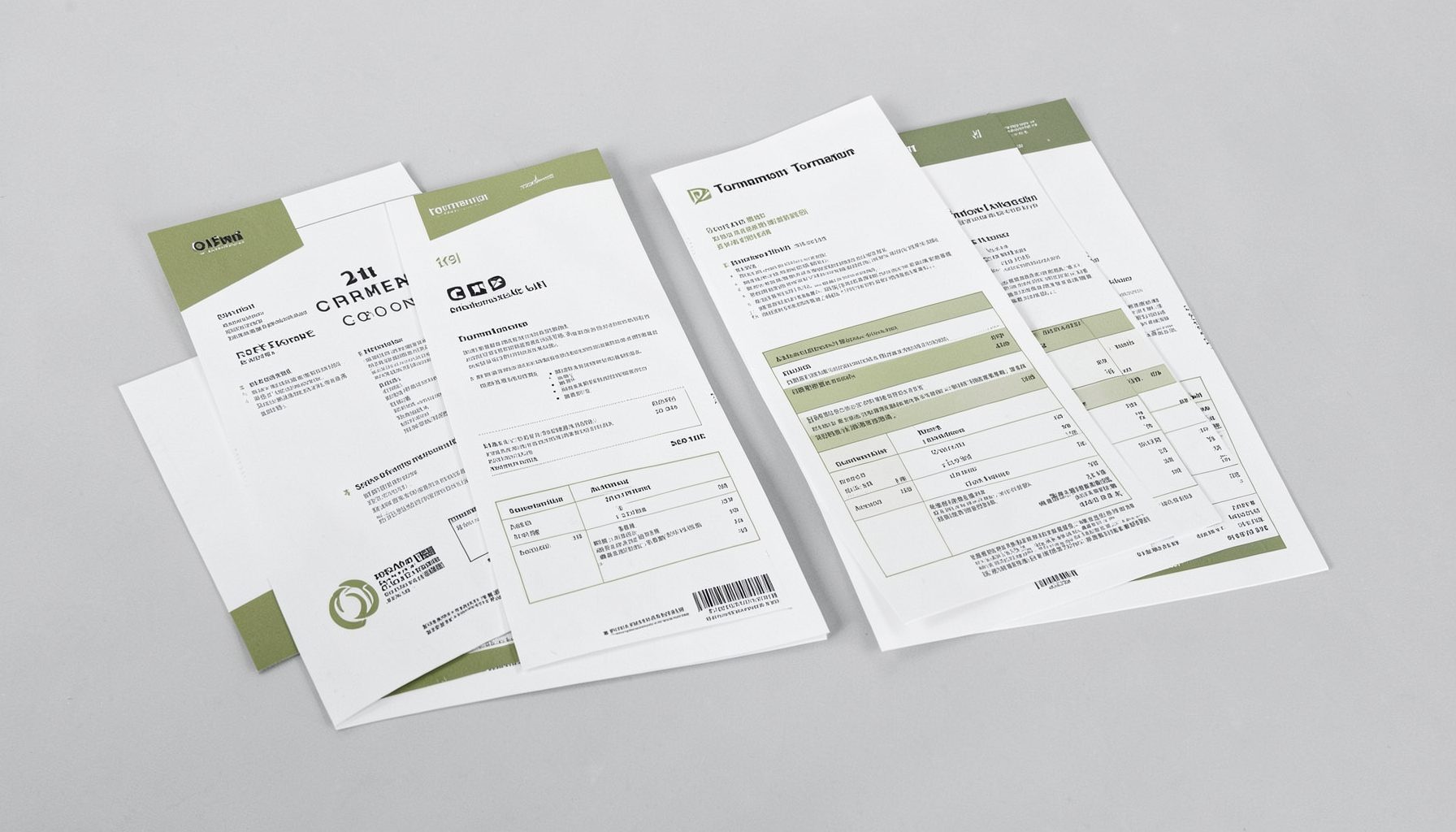
Tournament Packets
Packets from previous Kill Team events are kept here alongside new packets for upcoming tournaments, so organizers and players have what they need in one place.
View Event Data