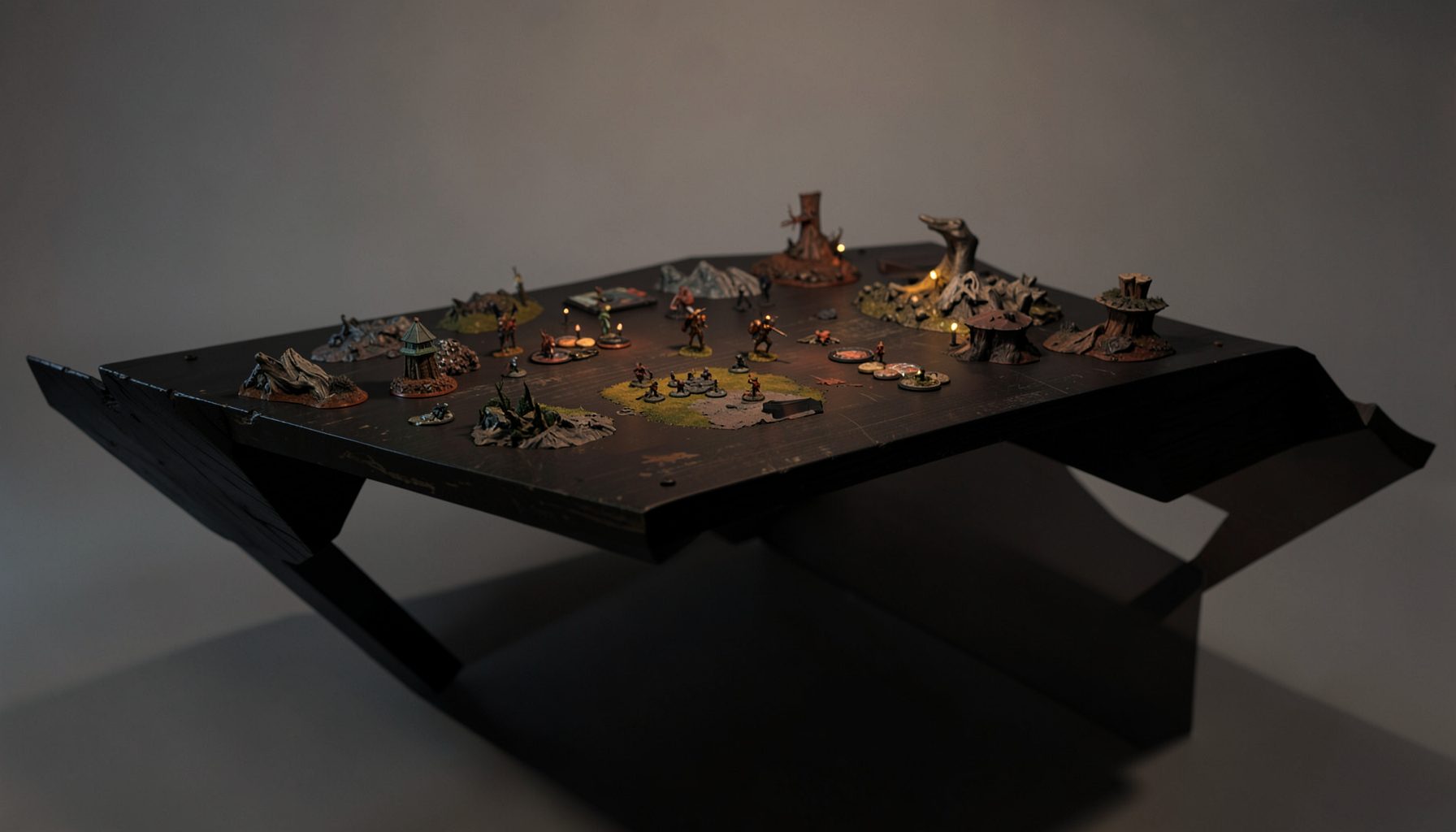
Live-streamed games, recorded matches, and event data gathered in one place.
Kill Team Stream hosts quality live streaming of Kill Team content — tournaments throughout the year on Twitch, regular games streamed to the channel, and tournament data gathered so players can see what's happening in the scene. Powered by WARHAMMER.
Browse tournamentsOfferings
Tournaments
Multiple Kill Team tournaments hosted throughout the year, all live-streamed on our Twitch channel.
Videos
Streams are recorded and uploaded to YouTube alongside original video content we produce.
Event Data
Tournament packets from past events plus resources for upcoming Kill Team tournaments.
Site Directory
Stream your local Kill Team tournament with a few cameras
A local Kill Team event can feel like a major broadcast without a studio, a production van or a network budget. Two or three carefully placed cameras, clean audio, a dependable upload and volunteers who understand the run of play are enough to capture the drama of the final round and give remote supporters a show worth watching.
The trick is to plan around the tournament rather than point cameras at whatever happens next. Decide which views explain strategy, which moments bring viewers into the game and how players will be heard. A small setup can look polished on Twitch or YouTube while respecting the competitors, hosts and volunteers who make a community event work.
Plan the broadcast around the tournament
Start with the event, not the equipment. Ask the organiser for the venue floor plan, round schedule, number of playing stations, commentary position and awards area. Walk the room and mark where a wide camera can show both players and the board, where a close view can follow dice and models, and where reactions can be captured discreetly.
Write a short shot list: establishing view, both competitors, score update, interview, awards and a fallback wide. Include moments when a result changes or a game enters its final turns. This keeps a small team from spending every cut on moving scenery and gives newer viewers enough continuity to understand why a round matters.
Assign one person to switch, one to monitor audio and chat, and one to manage players and the room. With two cameras, operators can also handle cues. Rehearse with the final internet speed and lighting in place. A short test on tournament software will expose dropped frames, unreadable overlays and labels that vanish on a television.
Choose a compact camera package
Two cameras can produce a credible live show when each has a distinct job. A locked wide camera supplies continuity, while a second camera provides board detail or a closer player angle. A third camera is worthwhile for simultaneous games, commentary or interviews. It is rarely worthwhile simply to add another view of the same board.
Budget in Australian dollars, where consumer prices usually include 10% GST. A used mirrorless body, lenses, tripods, microphones and a capture interface may cost less than new equipment, but check that every camera outputs a clean feed and shares a suitable frame rate. Confirm that power supplies support Australian 230V outlets and bring spare plug adapters.
Set resolution and frame rate before the event. Full HD at 30 frames per second works for a wide shot, while 50 or 60 frames makes close-ups smoother. Lock exposure, white balance and focus where possible, because automatic settings often react when players step into the light. Test the full signal chain, label every input and carry a spare cable of the type actually used.
Put audio ahead of picture quality
Viewers forgive imperfect pictures faster than broken sound. A small mixer can combine headset commentary, a room microphone and one or two player microphones. Wireless lavaliers work at busy stations, while a directional desktop microphone can be cheaper and clearer when everyone remains seated.
Check for clothing rub, chair squeaks, phone notifications and miniatures striking a board. Keep microphones close and record a sample with everyone in position. Commentators should speak during natural pauses and avoid talking over a decisive roll; the stream should preserve the sounds that make a Kill Team match tense.
Use a limiter or sensible master gain to prevent clipping. Keep the raw mixer recording as well as the streamed output, since a flat level can be repaired but a distorted recording cannot. Label channels and route cables away from foot traffic. If music is planned, confirm that the venue permits recording and streaming it.
Frame the action without blocking play
Place the wide camera high enough to show both players and the battlefield without turning the view into a security monitor. A close camera should frame hands, dice, models and important board areas, while a third view can stay with competitors between rounds. Check every sightline: a tripod that looks harmless on an empty floor can block a walkway during a changeover.
Use removable floor marks to preserve camera positions, but keep them subtle. Speak with the organiser about minors, audience members and private conversations before recording begins. Notices at entrances and a short announcement make people aware of the cameras, while published stills or replays should avoid exposing personal contact details.
| Camera arrangement | What viewers receive | Crew demand | Main limitation |
|---|---|---|---|
| Two fixed cameras | One wide view and one close view of the board | Smallest crew and simplest live mix | Few angles for simultaneous games |
| Three fixed cameras | Wide play, close insert and player or commentary view | Extra input and disciplined switching | More equipment and sightlines to check |
| Two cameras plus a roving unit | Stable wide coverage with mobile close-ups | A dedicated operator and clear cue system | Movement can cause missed moments |
| Two cameras plus a phone insert | Broad action with a low-cost insert | Charging, app and compatibility checks | Possible latency and inconsistent quality |
Hold the wide shot while a roll resolves, then cut to the close camera when the board reveals the consequence. Avoid cutting away for every small movement, since that makes the final turn harder to follow. If a ruling creates tension, the wider view shows both competitors and the adjudicator; it should remain the fallback whenever another feed is not ready.
Build a resilient Australian connection
Treat the venue upload as untrusted until tested. A wired connection on a known network is more stable than venue Wi-Fi, but check its capacity with the organiser and provider. Upload speed matters more than headline download speed; a steady 6 to 10 Mbps upload can support a 1080p stream with modest overhead, while unstable Wi-Fi cannot be rescued by a large advertised number.
This difference is familiar across Australia. Metropolitan connections in Melbourne, Sydney, Brisbane and Adelaide may use NBN, but access technology and speed vary by address. Regional tournaments may rely on fixed-line networks with less capacity, and mobile coverage can be weak inside a crowded venue. Test the primary line at the same time of day as the event, then simulate an outage and switch to a prepaid 5G or 4G backup.
Do not assume halls, bars or game stores provide reliable public Wi-Fi. Keep the router near the streaming desk, connect the laptop by cable and move cellular devices away from speaker stacks and power transformers. Run the broadcast for 30 minutes before doors open and watch for frame drops, upload spikes, audio drift and router overheating. Save local copies on two drives, with one held by another volunteer.
Run the desk and respect the event
Keep the live presentation simple: title card, player names, round, score and a small clock during timed portions. Use colours that remain legible on phones, where many viewers will watch. A manual score sheet controlled by the organiser is safer than asking a camera operator to calculate results while framing a shot. For multiple games, show a compact standings graphic when it updates.
Commentary should explain objectives, deployment and the game situation rather than merely narrate movement. If an experienced player is willing, invite them to give brief analysis between rounds. Have another organiser ready for rules questions, but avoid turning every pause into a lecture. Clear definitions and timestamps make recorded matches useful to newcomers and regular followers.
Secure permission from the venue and organiser, check sponsorship or music rules, and follow relevant Australian privacy obligations when identifiable images, names or messages are published. Tripods, light stands and cables must not create hazards, and the crew should wear event accreditation if volunteers are asked to do so. Keep an emergency priority over coverage.
Summer venues add another Australian concern: halls in Sydney, Melbourne and Brisbane can become hot, while Perth's dry conditions can raise dust around the boards. Carry spare batteries, keep cameras out of direct sun and let equipment acclimatise before use. Attendees may bring their usual esky or packed lunch, but drinks and cold packs should stay away from electrical equipment.
Publish an archive that supports the community
Finish the recording workflow before the first match. Save raw video, mixed audio, score sheets and observer notes in a dated folder, then create a clean archive after the event. Mark each round, identify playing stations and keep short clips of decisive rolls, rulings and reactions. These assets add entertainment value without requiring a large editing team.
Publish a highlights video soon after the weekend, then upload full matches or selected games as longer recordings. Add chapters, corrected scores and links to the event packet, standings and photo gallery. State Australian Eastern Standard Time or Australian Central Time clearly because daylight-saving changes can shift the listed start time. Note whether each game was recorded locally or streamed live.
Descriptions can point viewers towards Kill Team community resources for useful links and established community channels. Let organisers confirm event links before publishing. A short post-event message thanking players, volunteers, sponsors and the venue builds trust and makes the next local event easier to promote.
Ask viewers which moments they want to see, but base future equipment choices on observed gaps rather than popularity alone. Track dropped connections, unreadable overlays and moments when the audio became unclear. Those measurements reveal whether another camera, a better microphone or a stronger upload would help most. This disciplined approach turns a compact production into a reliable Kill Team Stream archive while preserving the atmosphere of the local scene.
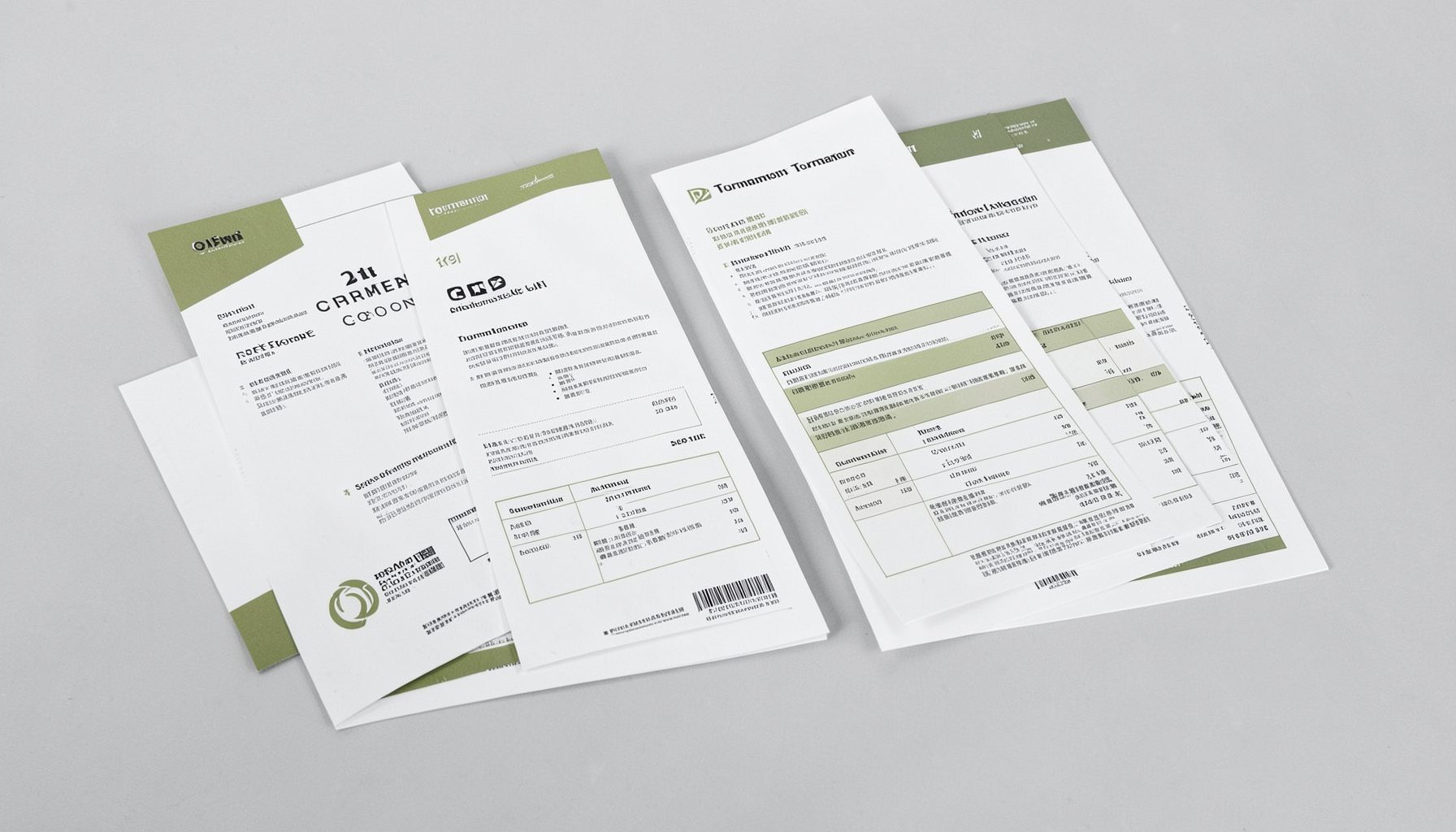
Tournament Packets
Packets from previous Kill Team events are kept here alongside new packets for upcoming tournaments, so organizers and players have what they need in one place.
View Event Data