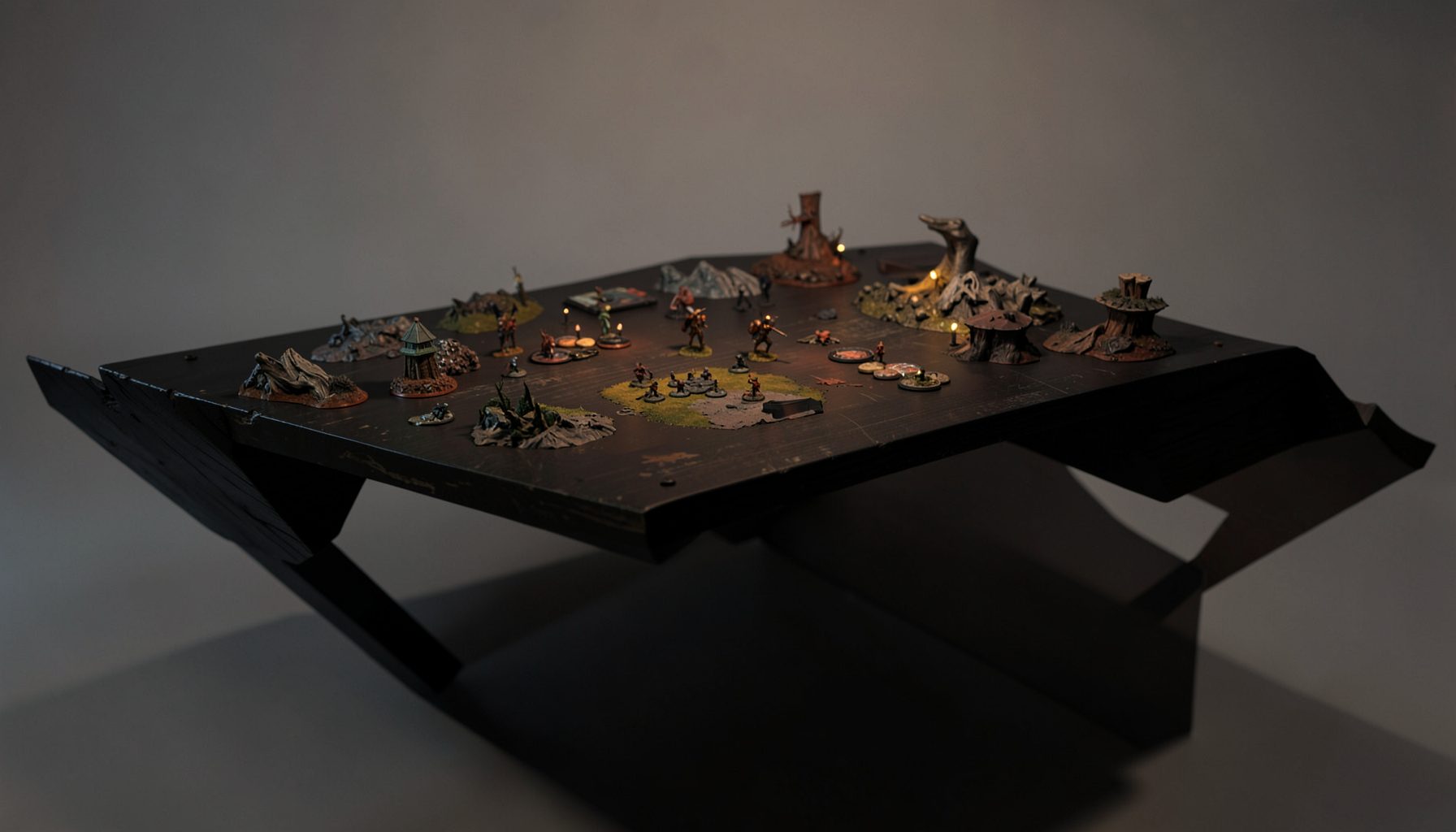
Live-streamed games, recorded matches, and event data gathered in one place.
Kill Team Stream hosts quality live streaming of Kill Team content — tournaments throughout the year on Twitch, regular games streamed to the channel, and tournament data gathered so players can see what's happening in the scene. Powered by WARHAMMER.
Browse tournamentsOfferings
Tournaments
Multiple Kill Team tournaments hosted throughout the year, all live-streamed on our Twitch channel.
Videos
Streams are recorded and uploaded to YouTube alongside original video content we produce.
Event Data
Tournament packets from past events plus resources for upcoming Kill Team tournaments.
Site Directory
The best Kill Team apps and tools for list building and tracking
Competitive Kill Team rewards careful preparation. A strong roster needs to fit the team’s rules, mission pack, operatives, equipment, and local tournament format, while the player also needs a reliable way to track results and learn from mistakes. The right digital tools can make that process faster without replacing the judgment required at the table.
The ecosystem is divided between official publications, community-built roster software, tournament platforms, and personal tracking systems. Some tools are excellent for building a legal team list, while others are better for pairing players, recording standings, or reviewing streamed games. Using several of them together usually produces a smoother tournament experience than relying on a single app.
Rules and app availability can change as Games Workshop releases balance updates, new kill teams, and revised mission packs. Treat any builder as a convenience layer rather than the final authority. Before submitting a list, compare it with the latest official rules, event packet, and organizer instructions.
Start with official rules references
The safest foundation for list building is the current official rules material. Games Workshop’s Warhammer Community downloads, faction rules, errata, balance updates, and approved documents should be the first place to check when a profile or interaction seems unclear. Event packets can also modify terrain expectations, mission selection, scoring, or list submission requirements.
Digital builders are useful because they reduce arithmetic and highlight common errors, but they can lag behind a new release. A newly published operative, equipment option, or balance change may take time to appear in community software. Saving the relevant PDF files locally is especially useful at events where venue Wi-Fi is unreliable.
A practical reference folder should include the core rules, the team’s faction rules, the current balance document, and the tournament packet. Naming files by date makes it easier to identify which version you used when preparing a roster. This small habit prevents confusion when players compare older screenshots or exported lists.
Build rosters with community software
Kill Team roster builders are most valuable when they understand the game’s restrictions. A useful builder should let you select operatives, weapons, specialists, equipment, and faction-specific options while warning you about illegal combinations. It should also make it easy to export a clean list for an opponent or tournament organizer.
KTDash is one of the better-known community tools associated with Kill Team list building and competitive event management. Its usefulness depends on the edition and data set currently supported, so players should check whether their kill team and the relevant rules version are available. Similar fan-made builders may offer different interfaces, statistics, or roster formats.
Some players also use general miniature gaming list-building platforms such as Battlescribe-based tools or newer army-builder applications. These can be convenient, but Kill Team’s specialist restrictions and bespoke team structures mean that broad support is not always complete. If an app accepts an unusual combination without displaying a warning, verify it against the faction rules rather than assuming the list is legal.
A good workflow is to create one master roster, then duplicate it for specific missions or tournament formats. Keep the original roster unchanged and label variants clearly. This makes it easier to compare a balanced all-round list with a version designed for close-quarters boards, open firing lanes, or a particular mission pack.
| Tool or resource | Best use | Main advantage | What to verify |
|---|---|---|---|
| Official Warhammer Community downloads | Rules, errata, balance updates, and faction documents | Most authoritative source | Publication date and event legality |
| KTDash or similar Kill Team builders | Roster construction and list export | Designed around competitive Kill Team needs | Current edition, faction data, and option restrictions |
| Battlescribe-based or general builders | Quick list drafts and saved rosters | Familiar interface for many tabletop players | Completeness of Kill Team data |
| Best Coast Pairings | Event registration, pairings, and standings | Widely used tournament administration | Whether the event uses BCP and which scoring fields are enabled |
| Longshanks or Tabletop.to | Event results and public rankings | Useful for discovering tournaments and reviewing records | Organizer setup and platform coverage |
| Spreadsheet or notes app | Personal match logs and testing | Flexible, searchable, and easy to customize | Consistent data entry |
Use digital references during practice
A list builder answers “what can I take?” but it does not always answer “how does this team function?” For practice games, players benefit from quick access to operative abilities, actions, ploys, equipment, and mission rules. Digital reference cards or a well-organized PDF can reduce downtime between activations.
Before using a phone at an event, check the organizer’s policy. Some tournaments allow electronic references freely, while others prefer printed rules or restrict devices during rounds. Even when phones are permitted, a small printed cheat sheet can be faster than navigating several menus in the middle of a turning point.
The best reference setup is selective. Highlight the rules that affect decisions every turning point: movement values, weapon profiles, unique actions, faction ploys, and scoring conditions. There is little value in storing every page on a screen if the information needed during a game is difficult to find.
For streamed games, digital references can also improve spectating. Viewers can pause a recorded match, check an operative’s rule, and then return to the action with a better understanding of the decision. This turns tournament coverage into a practical learning resource rather than passive entertainment.
Track events, pairings, and standings
Tournament platforms are essential for competitive players and organizers. Best Coast Pairings is widely used for event registration, round pairings, scores, and standings. Depending on the organizer’s configuration, it may also display faction choices, strength of schedule, round-by-round results, or player records.
Longshanks and Tabletop.to are other platforms that may appear in the Kill Team tournament scene. Their value varies by region and organizer preference, but public event pages can help players find competitions, inspect recent results, and identify active communities. A platform’s ranking should be treated as one indicator rather than a complete measure of player skill.
When entering results, use the same convention every time. Record the opponent, faction matchup, mission, board type, score, round, and whether the game was practice or tournament play. Separating competitive results from casual games makes later analysis much more meaningful.
Organizers should also decide what information players need before publishing an event. A clear event page should identify the rules version, roster deadline, scoring system, terrain expectations, round structure, and software used for pairings. That information prevents avoidable disputes and helps players prepare lists that meet the actual requirements.
Turn match results into useful data
A spreadsheet remains one of the most powerful Kill Team tracking tools because it can be adapted to almost any format. Useful columns include team, opponent, mission, terrain style, deployment, initiative results, final score, primary scoring, secondary scoring, and the moment the game began to turn. The goal is not to record every detail; it is to identify repeatable patterns.
After five to ten games, look for trends rather than isolated outcomes. A low win rate may reflect poor objective play, weak deployment, unfamiliarity with a matchup, or a tendency to spend command points too early. Tracking only wins and losses hides these causes.
A notes app works well for shorter reflections. Immediately after a game, write three short observations: one decision that worked, one mistake that mattered, and one adjustment for the next game. This creates a compact practice journal that can be reviewed before a tournament.
Players who watch Kill Team Stream coverage can add timestamps to their notes. Marking a decisive activation, clever charge route, or unusual tactical ploy creates a personal study library. Recorded matches are especially valuable when revisited with a specific question, such as how a top player protects a leader or contests an objective from behind cover.
Compare tools by the job they perform
No single application handles every part of competitive preparation equally well. A roster builder is designed for legality and organization, while tournament software is designed for administration. A spreadsheet is better for long-term reflection because it lets the player record information that standardized event platforms may ignore.
Ease of use matters as much as feature count. An app with advanced statistics is not helpful if it takes too long to update after each game. Likewise, a visually impressive builder is less valuable than a basic one that correctly reflects the current rules and exports a readable roster.
Privacy and reliability should also influence the choice. Tournament platforms may expose public records by default, while personal notes can remain private. Cloud-based systems are convenient across devices, but offline access is a significant advantage at crowded venues or clubs with inconsistent connectivity.
A practical setup for competitive players
- Keep official rules, balance documents, and event packets in a dated reference folder.
- Use a current Kill Team roster builder for drafts, then verify every option against the official faction rules.
- Register through the event’s chosen platform and check pairings, scoring, and deadlines before arriving.
- Maintain a simple match log with opponent, mission, score, key mistake, and next adjustment.
- Review recorded tournament games with timestamps so strategic lessons become easy to revisit.
Keep your preparation connected to the table
The most effective digital setup supports real decisions rather than creating extra administration. Build the roster, test it against several mission types, record what happened, and revise only when the evidence points to a problem. A list that looks excellent in an app still needs practice with terrain, timing, objective control, and opponent pressure.
For organizers, consistency is the priority. Publish the rules version and packet, use one pairing platform, provide a clear list-submission format, and preserve final standings. For players, the priority is verification: current rules, legal options, accurate records, and notes that lead to specific changes in play.
Use Kill Team Stream’s tournament coverage and recorded matches as part of that process. Follow competitive events, study the decisions behind pivotal turns, and compare your own match notes with what experienced players do under pressure. With the right combination of official references, roster software, event tracking, and deliberate review, every game can contribute to a better-prepared next round.
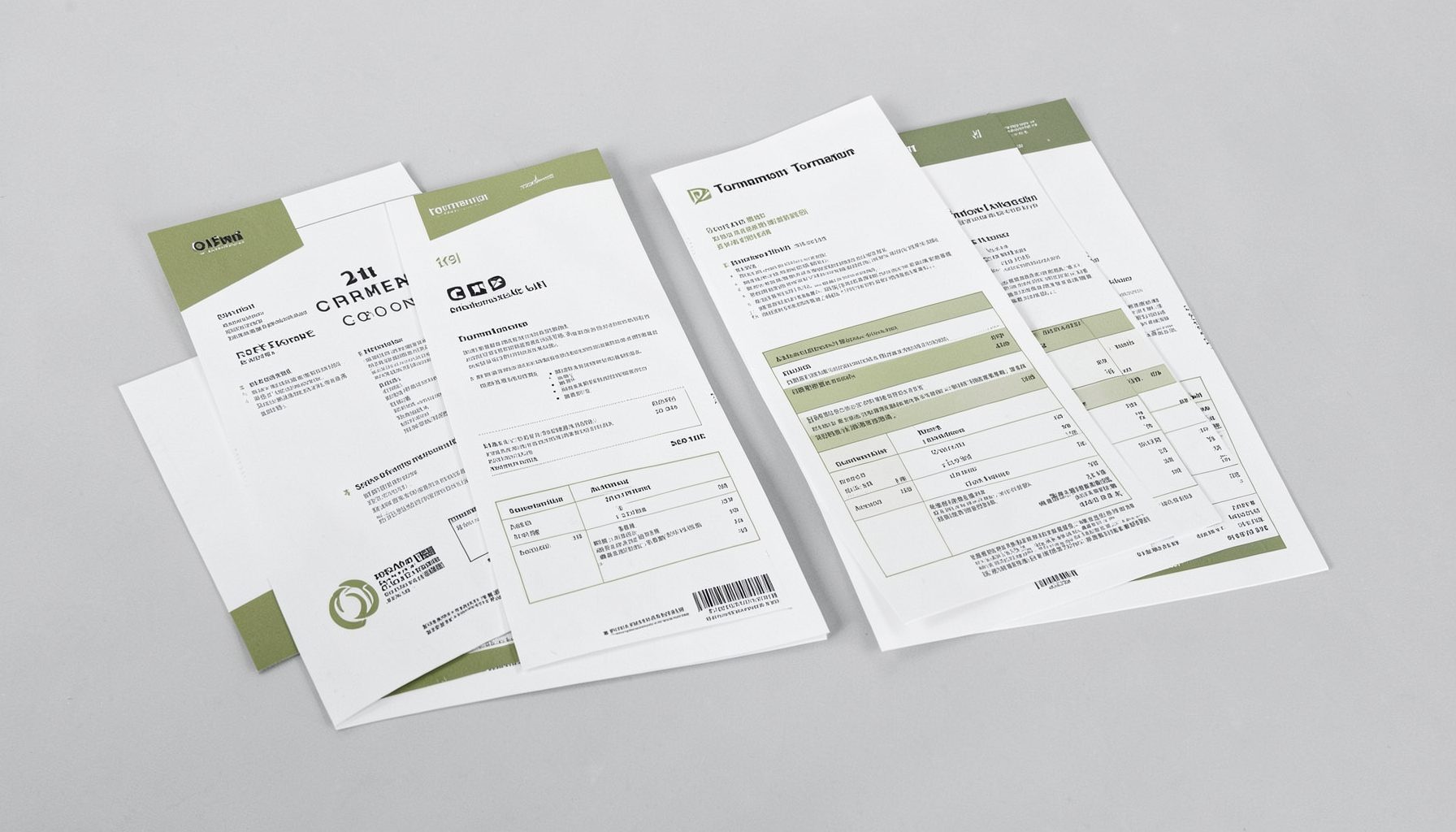
Tournament Packets
Packets from previous Kill Team events are kept here alongside new packets for upcoming tournaments, so organizers and players have what they need in one place.
View Event Data